✨ New Arrivals Just Dropped!Explore
$15.99
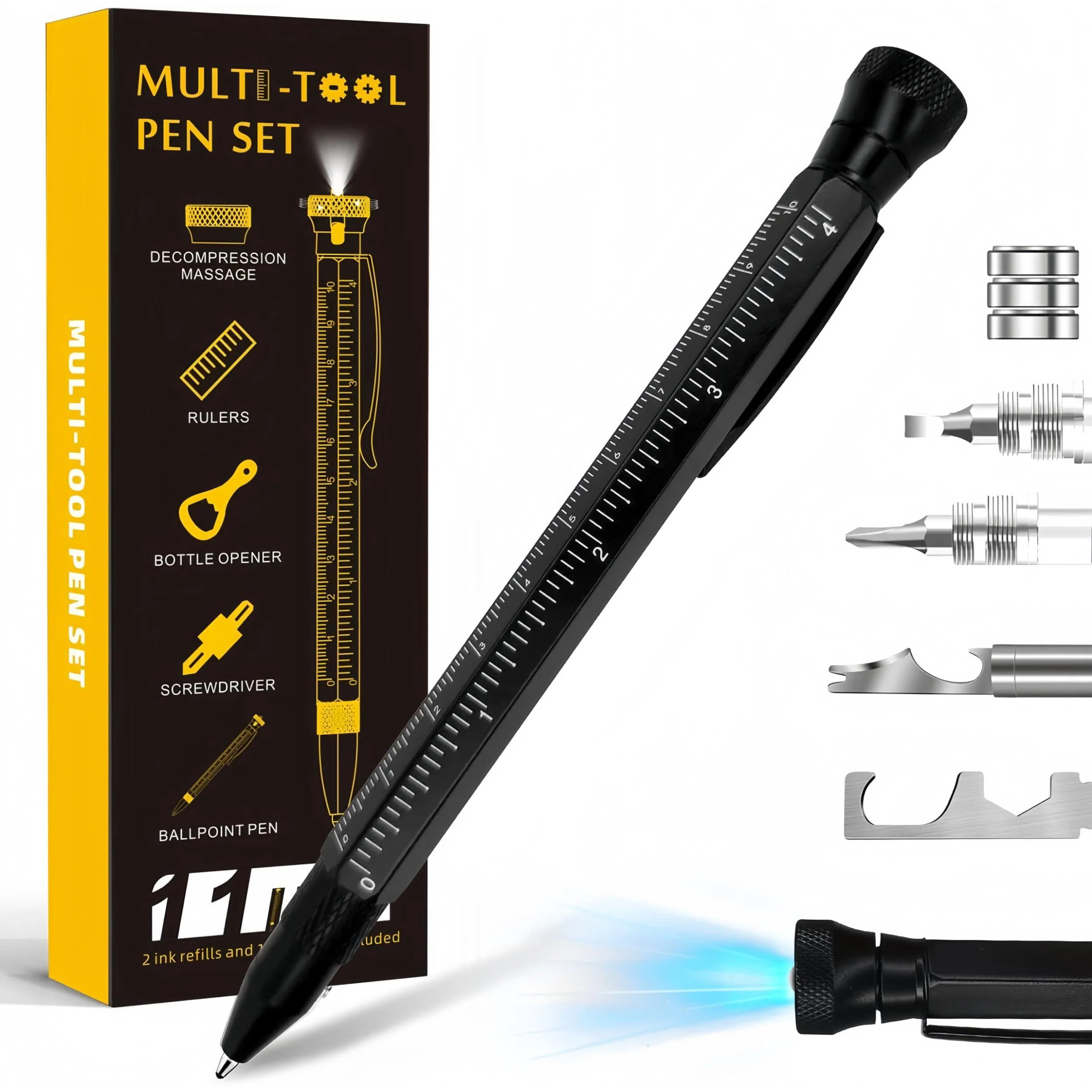
MakerJoy 11 In 1 Multi-Tool EDC Pen with Ruler, Level, Bottle Opener for Handyman—
$15.99
The Story
Multi-Function Integrated Design
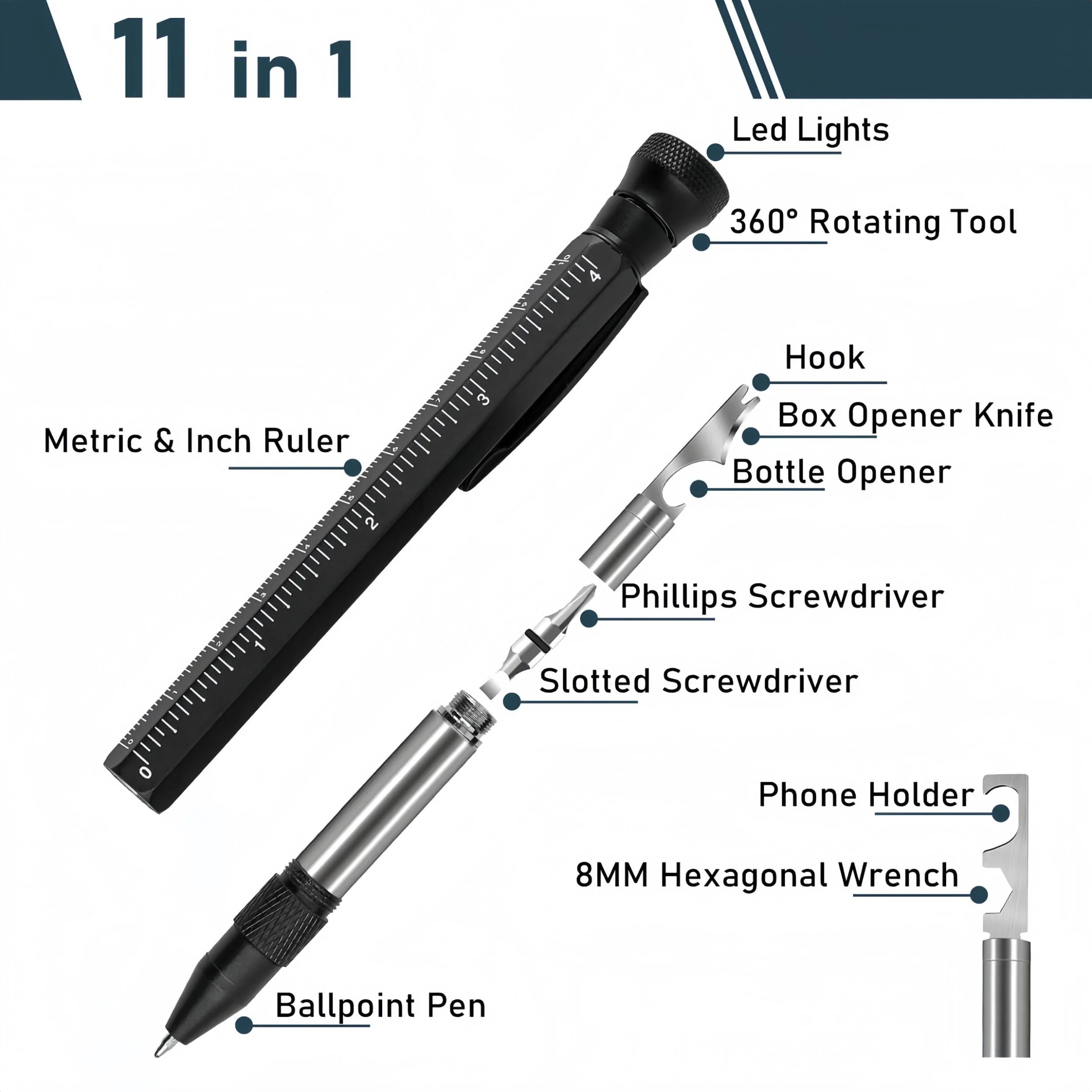
All-in-one efficiency to declutter your workspace, Hanboost 11-in-1 Multi-Function Pen integrates a ruler, knife, and pen, perfectly adapted for various scenarios: from office paperwork to precise measurements on construction sites, to detailed work in electrical and mechanical tasks.
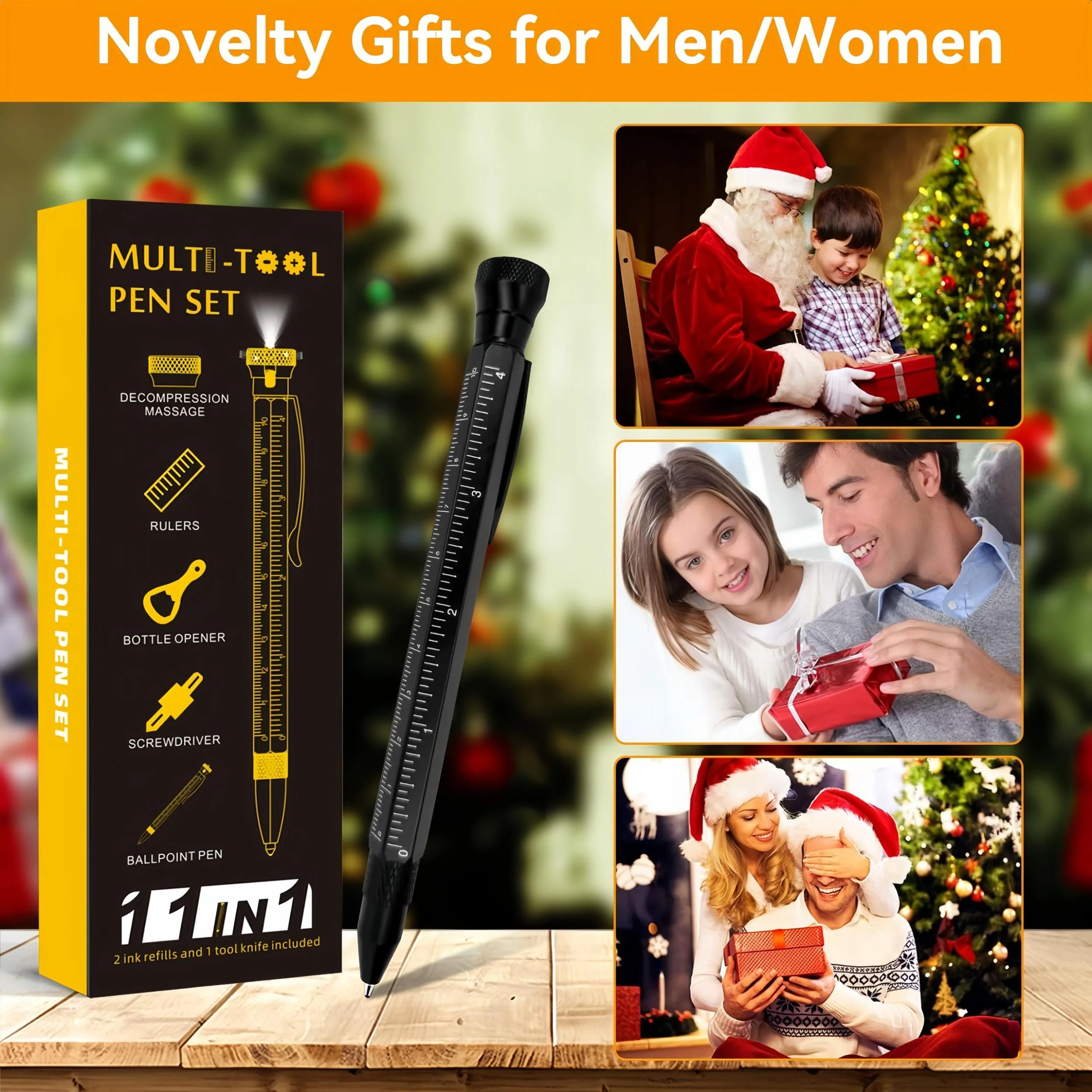
 Elegant and Unique Gift Choice
More than a tool, it's a thoughtful gift. With its exquisite packaging and novel features, it's an ideal present for Christmas, Thanksgiving, anniversaries, birthdays, and other special occasions.

Essential EDC Tool for Professionals & DIYers
Crafted for creators and builders, our multi-functional tool is the perfect companion for engineers, DIY enthusiasts, carpenters, and handymen. Whether you're designing, crafting, or repairing, this tool empowers your skill and passion.

Smooth Writing Ballpoint Pen
It glide across the page with unrivaled ease, turning every writing task into a moment of pleasure. Whether jotting down quick notes, signing important documents, or indulging in creative writing, the smooth flow of our premium ink ensures a flawless, smudge-free experience every time.
 Easy to Change Refill
Enjoy uninterrupted, silky-smooth writing with our retractable ballpoint pen, complete with 2 additional ink refills for long-lasting reliability.

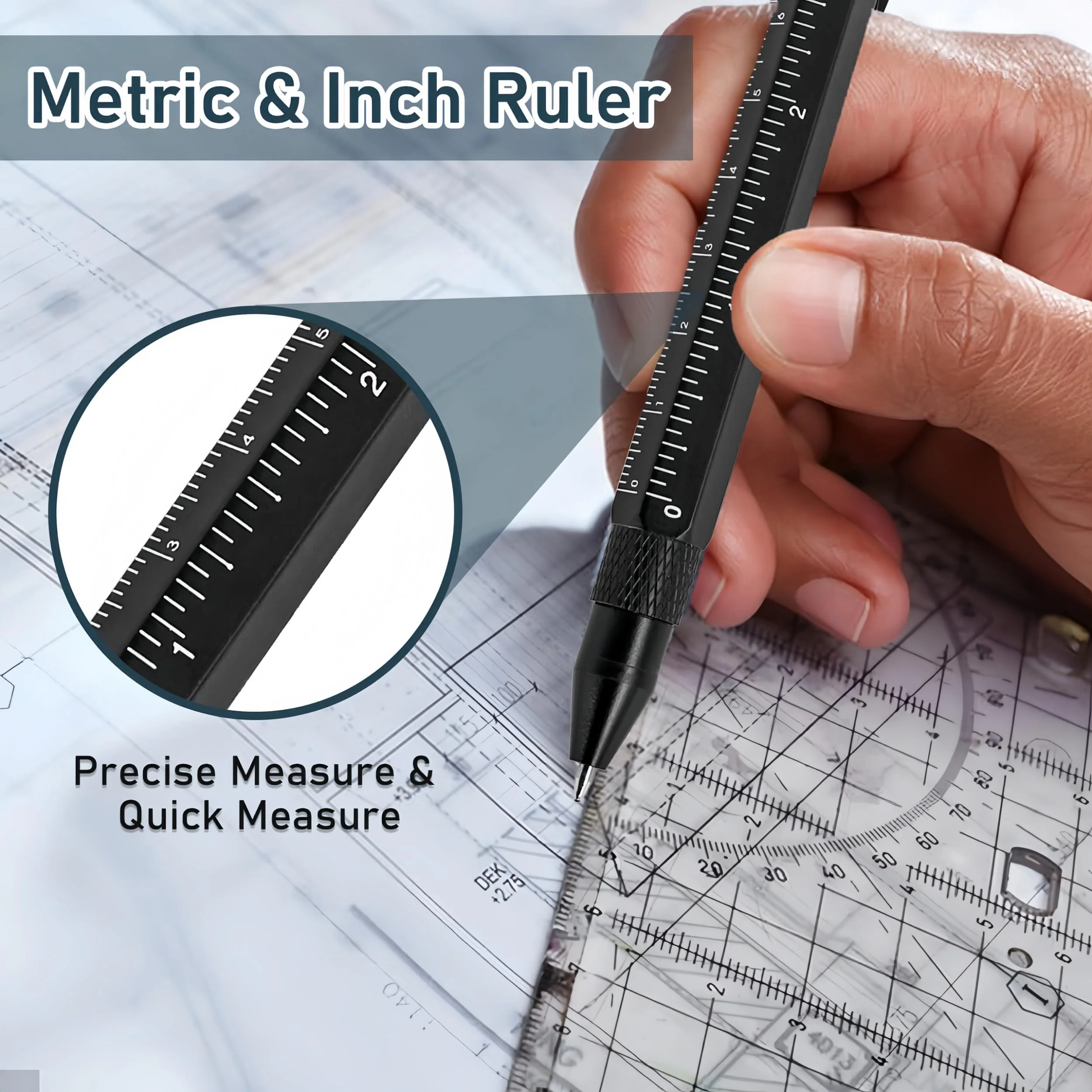
Dual-Scale Ruler Design

Bright LED Flashlight
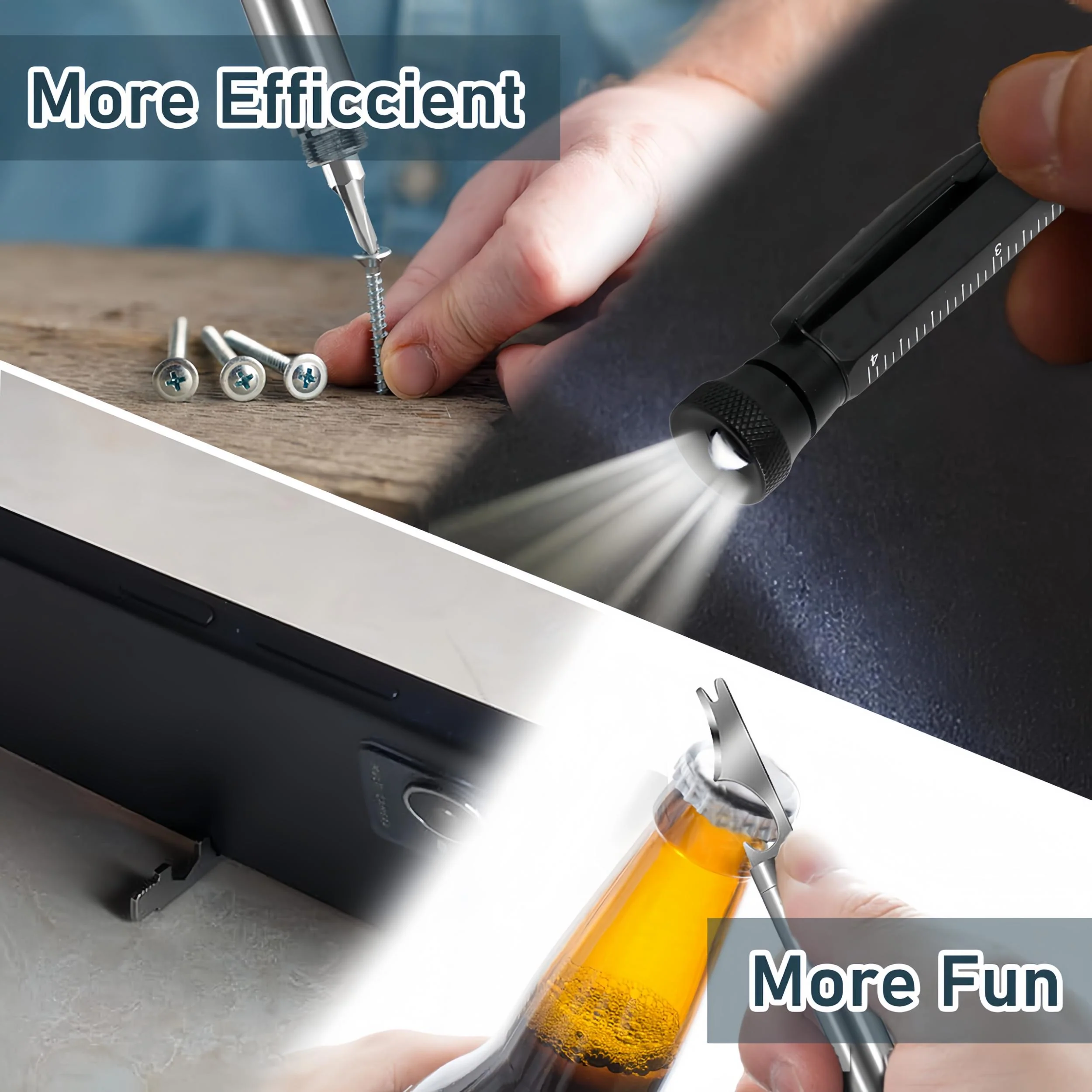
The built-in LED light at the top provides instant illumination for your nighttime tasks or emergencies, ensuring your work is unhindered by time or environment.

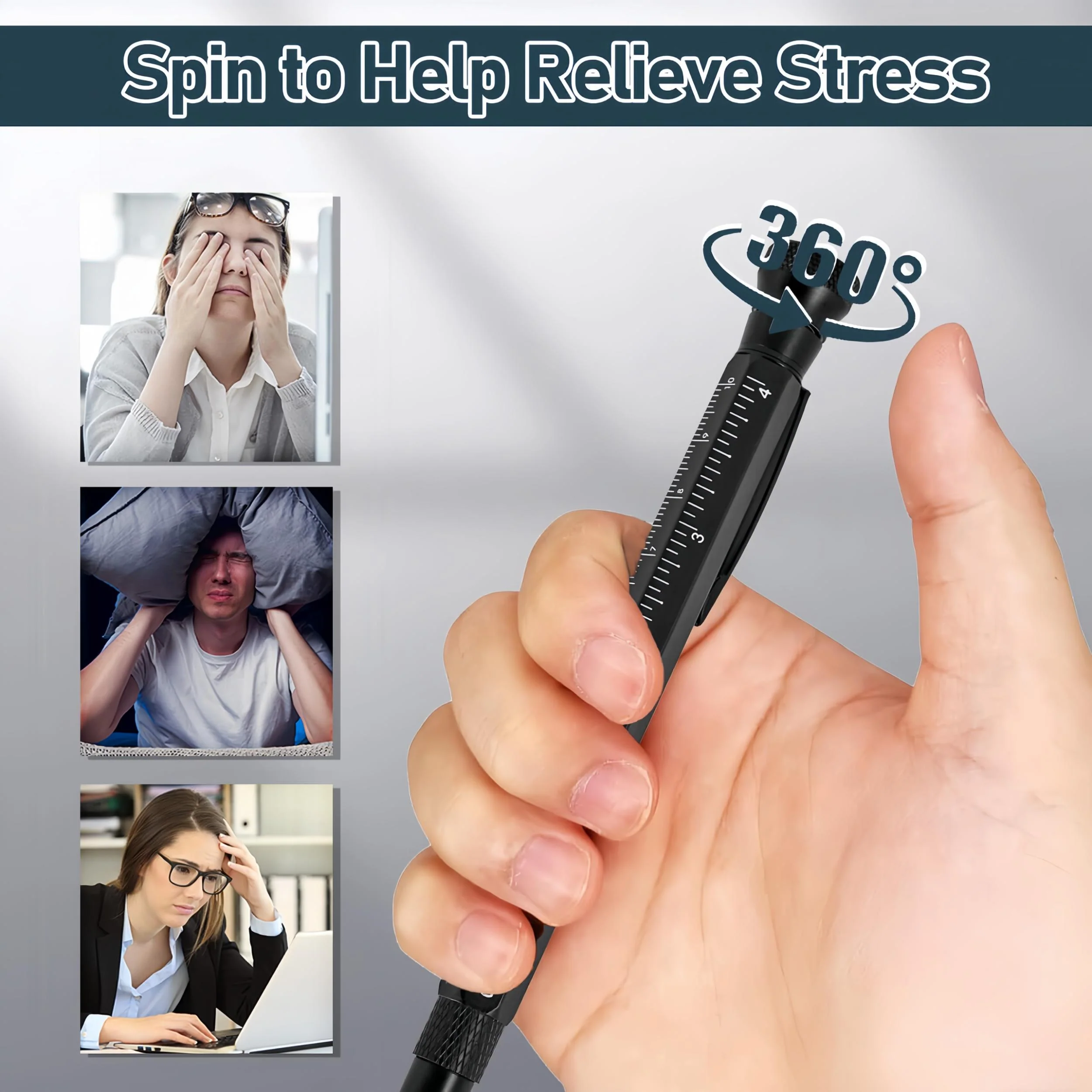
360° Rotating Stress Relief Tool
The Hanboost pen's top features a 360° rotating function to help you de-stress amidst a hectic schedule, adding fun and improving efficiency during long work hours.

Dual Head Screwdriver Bit
Ingeniously designed with a flat head on one end and a Phillips head on the other, it meets all your emergency repair needs. From minor furniture fixes to sudden mishaps, this pen is your on-the-go tool.

Open Beer Any Time
Whether it's an outdoor picnic or a family gathering, this built-in bottle opener lets you easily pop open beer or beverage bottles, adding to your enjoyment,perfect for social occasions.

Practical Box Cutter
Opening parcels has never been easier, the box cutter feature allows you to swiftly and safely slice through packaging, making unboxing quick and hassle-free.

Phone Stand Feature
For watching videos, video calls, or participating in online meetings, this multi-function pen’s phone stand feature frees up your hands for a convenient multimedia experience.

Durable Material
Made from ultra-strong aluminum, the multi-function pen is durable and stable, a reliable companion for long-term use.

FAQ:
How to replace the pen refill?
- Hold both ends of the built-in pen tube in your hand and pull them to expose the pen refill.
- Pinch and rotate the second component on the pen cap to expose the led and battery (not the decompression component, the one next to it.)
- Then rotate the led head off the silver component to replace the battery. When using the light normally, there is no need to unscrew the pen cap, just press the light head.
How to use phone holder?
- Place the phone horizontally and put it in the holder slot. Adjust the slot about the center of the phone screen side, gently place the phone so that one of the left and right corners of the long side of the phone against the desktop.
- Tip: When trying for the first time, be careful to prevent scratching the screen. If the phone is too thick, please give up.
Details & Craftsmanship
Every detail has been carefully considered to bring you the perfect product.
Details & Craftsmanship
Every detail has been carefully considered to bring you the perfect product.
Details & Craftsmanship
Every detail has been carefully considered to bring you the perfect product.
Details & Craftsmanship
Every detail has been carefully considered to bring you the perfect product.
Details & Craftsmanship
Every detail has been carefully considered to bring you the perfect product.
Description
Multi-Function Integrated Design
All-in-one efficiency to declutter your workspace, Hanboost 11-in-1 Multi-Function Pen integrates a ruler, knife, and pen, perfectly adapted for various scenarios: from office paperwork to precise measurements on construction sites, to detailed work in electrical and mechanical tasks.
Elegant and Unique Gift Choice
More than a tool, it's a thoughtful gift. With its exquisite packaging and novel features, it's an ideal present for Christmas, Thanksgiving, anniversaries, birthdays, and other special occasions.
Essential EDC Tool for Professionals & DIYers
Crafted for creators and builders, our multi-functional tool is the perfect companion for engineers, DIY enthusiasts, carpenters, and handymen. Whether you're designing, crafting, or repairing, this tool empowers your skill and passion.
Smooth Writing Ballpoint Pen
It glide across the page with unrivaled ease, turning every writing task into a moment of pleasure. Whether jotting down quick notes, signing important documents, or indulging in creative writing, the smooth flow of our premium ink ensures a flawless, smudge-free experience every time.
Easy to Change Refill
Enjoy uninterrupted, silky-smooth writing with our retractable ballpoint pen, complete with 2 additional ink refills for long-lasting reliability.
Dual-Scale Ruler Design
Bright LED Flashlight
The built-in LED light at the top provides instant illumination for your nighttime tasks or emergencies, ensuring your work is unhindered by time or environment.
360° Rotating Stress Relief Tool
The Hanboost pen's top features a 360° rotating function to help you de-stress amidst a hectic schedule, adding fun and improving efficiency during long work hours.
Dual Head Screwdriver Bit
Ingeniously designed with a flat head on one end and a Phillips head on the other, it meets all your emergency repair needs. From minor furniture fixes to sudden mishaps, this pen is your on-the-go tool.
Open Beer Any Time
Whether it's an outdoor picnic or a family gathering, this built-in bottle opener lets you easily pop open beer or beverage bottles, adding to your enjoyment,perfect for social occasions.
Practical Box Cutter
Opening parcels has never been easier, the box cutter feature allows you to swiftly and safely slice through packaging, making unboxing quick and hassle-free.
Phone Stand Feature
For watching videos, video calls, or participating in online meetings, this multi-function pen’s phone stand feature frees up your hands for a convenient multimedia experience.
Durable Material
Made from ultra-strong aluminum, the multi-function pen is durable and stable, a reliable companion for long-term use.
FAQ:
How to replace the pen refill?
- Hold both ends of the built-in pen tube in your hand and pull them to expose the pen refill.
- Pinch and rotate the second component on the pen cap to expose the led and battery (not the decompression component, the one next to it.)
- Then rotate the led head off the silver component to replace the battery. When using the light normally, there is no need to unscrew the pen cap, just press the light head.
How to use phone holder?
- Place the phone horizontally and put it in the holder slot. Adjust the slot about the center of the phone screen side, gently place the phone so that one of the left and right corners of the long side of the phone against the desktop.
- Tip: When trying for the first time, be careful to prevent scratching the screen. If the phone is too thick, please give up.